Recording widget
Visitors record a voice message for you right on your website – like an answering machine, just without the phone.
The recording widget is a small piece of Speeeak on your website: visitors tap the microphone, speak, send. The message lands in your Inbox, you get an e-mail and reply by voice or text.
Setup including embedding
1 widget, 30 messages per month; Pro: 5 widgets, Business: unlimited – data processing agreement with one click
runs in a frame from speeeak.io, your site never sees any recordings
How to set it up
- Sign the data processing agreement (DPA) (once): Account → Account → “Sign data processing agreement”. Takes a minute, explained here.
- Create a widget: Account → Widgets → “New widget”. Enter an internal name (e.g. “Contact page”), pick a colour, save.
- Copy the key: At the top you'll see the purple-framed box “Your widget key” (starts with
w, 16 characters) → “Copy”. - Embed:
- WordPress: install the plugin, menu Speeeak → paste the key → choose a display style → save. Guide.
- Other websites: at the bottom of the widget editor, choose the display style and copy the snippet – into the footer of your website (floating) or at the spot in the text where the widget should appear.
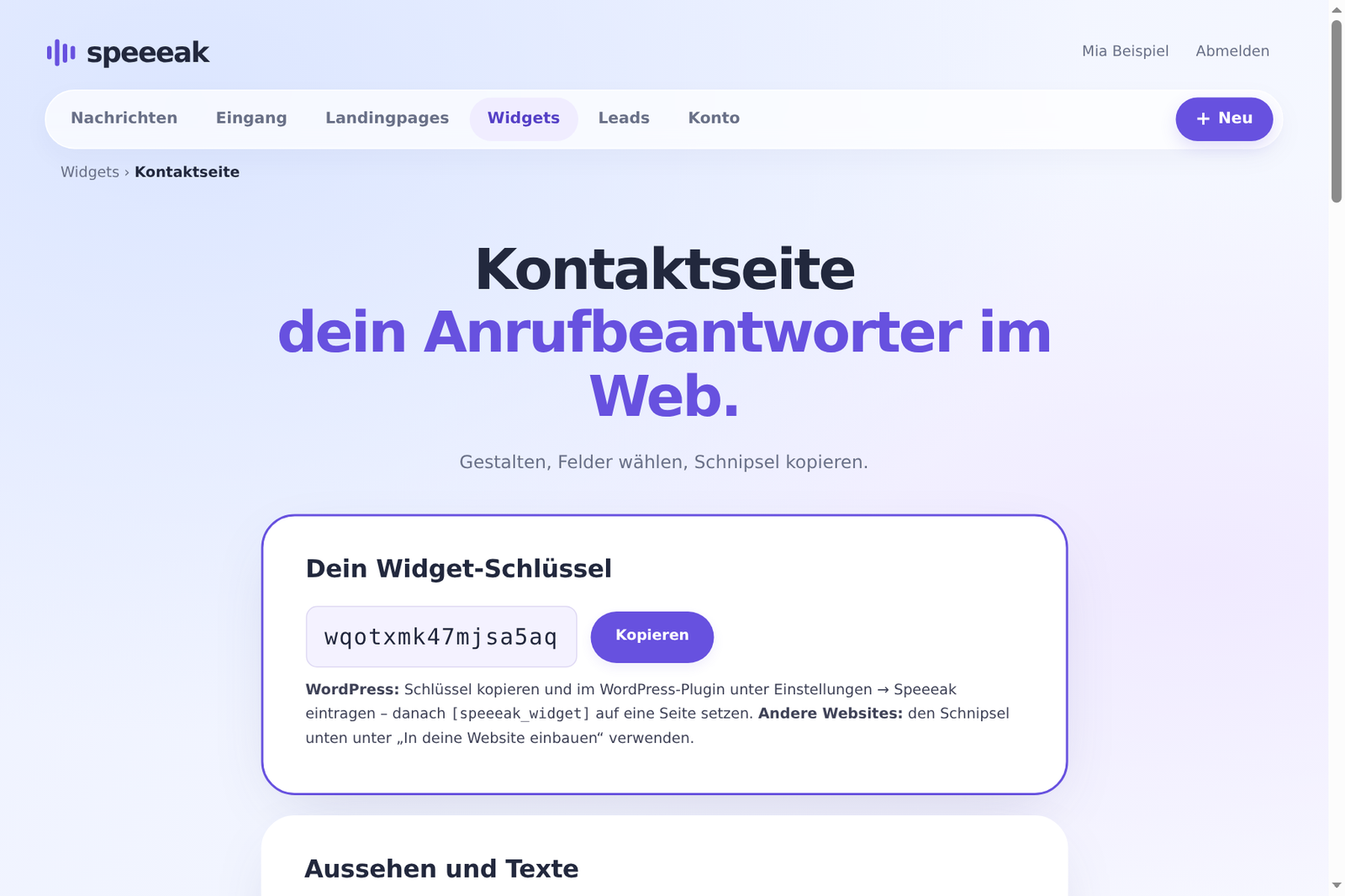
💡 Key or message ID? The widget key belongs to the recording widget (visitors record something for you). The message ID belongs to a single message that visitors are meant to listen to – see Embed a message. The plugin notices if you mix the two up.
Settings at a glance
Look and texts
| Setting | Effect |
|---|---|
| Accent colour | microphone button, send button, accents |
| Heading / text below | e.g. “Leave me a voice message” |
| Thank-you text | shown after sending |
| Redirect | optional: jump to another page after sending |
| Text on the floating button, position | for the floating display styles |
| Recipient in the consent sentence | company name that visitors read before sending |
Fields and rules
- Name, e-mail address, subject – each field can be switched on or off; name and e-mail can optionally be required, otherwise they're marked “(optional)”.
- If the e-mail is optional, the widget shows the note “Without an e-mail address we can't reply to you – your message will still arrive.” You can change this text.
- File upload option: visitors may upload an audio file instead of recording – can be switched on or off.
- E-mail for every message to your account address.
- Widget active – to switch it off temporarily without deleting it.
- “Voice messages with Speeeak” below the widget – can be hidden from Pro upwards.
Privacy details
- Privacy policy of your website (link): visitors see this link in the consent sentence. Enter your privacy policy here – you are the controller of the data, Speeeak processes it on your behalf. In the WordPress plugin you can also set the link there; the link from the account takes precedence.
- Custom consent sentence: the default is “My voice message and my details go to {recipient}. It will be stored for 30 days on servers in the EU.” – you can replace it; the privacy link is always appended.
Allowed websites
Empty = the widget can be embedded on any website. With a list (one domain per line, e.g. my-company.com) only there – on other sites the note “This website is not allowed” appears. Subdomains (shop.my-company.com) are allowed automatically.
Display styles
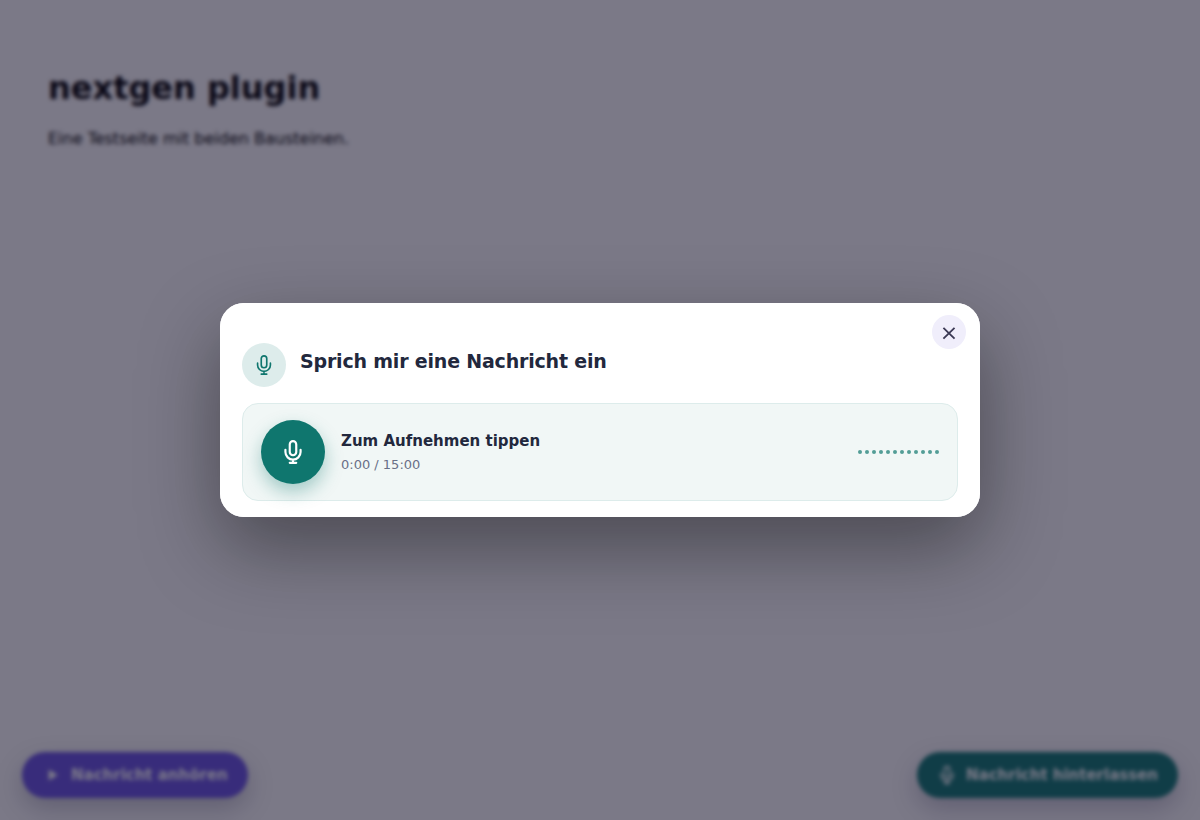
The widget can sit inline in the text of the page or float: as a pill button in the bottom corner, as a window in the centre, as a tab on the edge or as a round button. All variants with pictures: Display styles.
What visitors see
Heading and text, the microphone button with a counter, after recording a preview to listen to, the fields, the consent checkbox with privacy link and the send button. Length and storage period depend on your plan (Plus: 15 minutes, 30 days).
Tutorial and example site
From an empty HTML document to a running widget, every line explained – with a live example and a file to download: speeeak.io/einbetten/lehrgang. You'll also find the variants for React, Circle, Discourse, Mighty Networks, Webflow & Co. there.